
Your Victorian licence has gone digital. Here’s what to know.
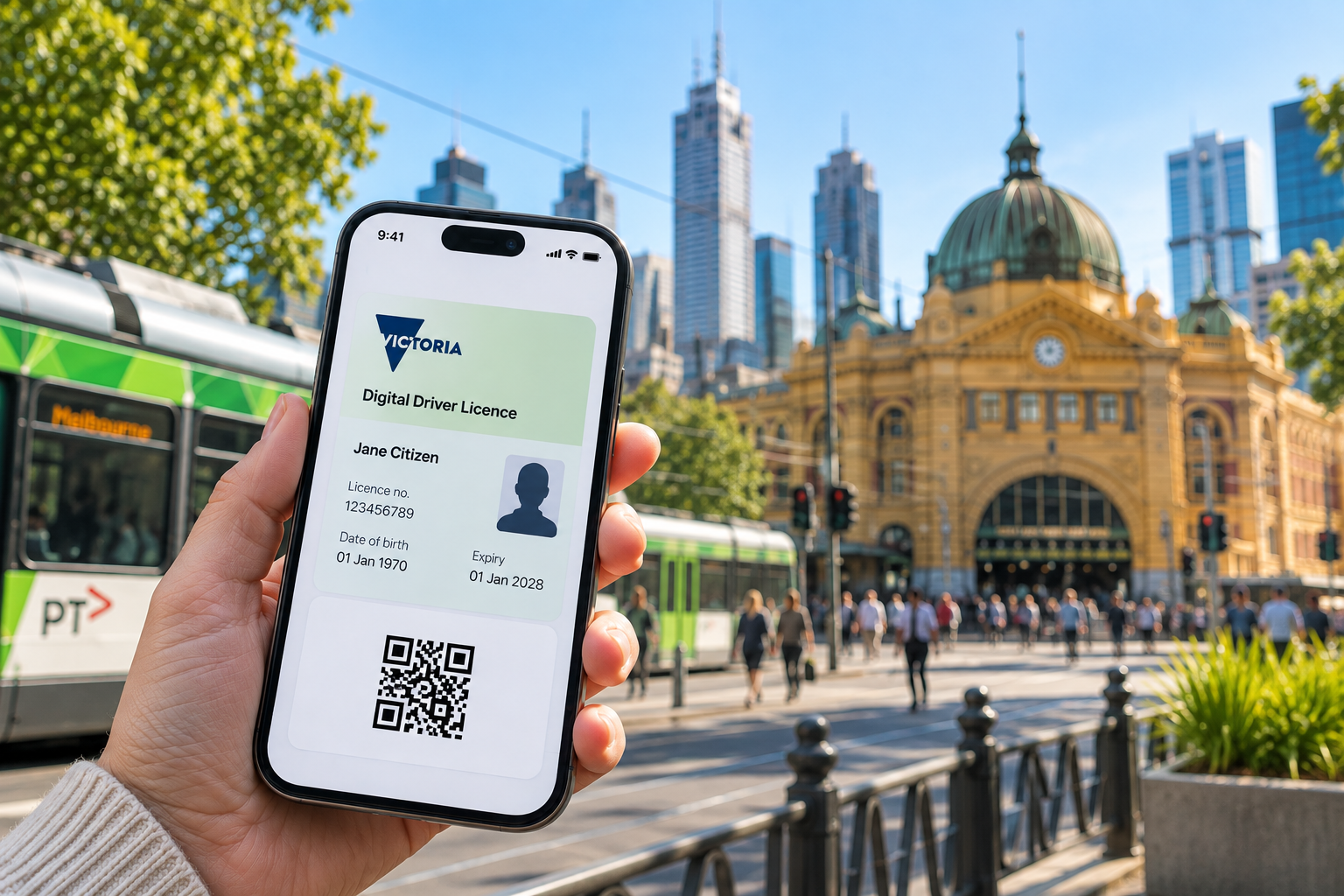
Victorian digital driver licence on smartphone in Melbourne CBD.
Your Victorian driver licence can now live on your phone.
It’s optional, your plastic licence isn’t disappearing, and you don’t need to be particularly clever with apps to set it up.
Here are the bits actually worth knowing.
Where do I find it?
Victorians can access their digital driver licence through either the myVicRoads app or the Service Victoria app.
If you use myVicRoads, download the app, sign into your account and follow the prompts for the security set-up.
With Service Victoria, your licence can be added to the digital wallet in the app.[1][2]
Learner permits, probationary licences, full driver licences, motorcycle licences and heavy vehicle licences can all be available digitally.[2]
What can I use it for?
Pretty much the same things you pull your plastic licence out for.
You can use it to prove you're licensed to drive, confirm your identity or show that you're over 18.[1]
There is one handy difference.
Instead of showing someone every detail on your licence, you can choose what you share.
For example, if a venue only needs to know you're over 18, you can show proof of age rather than handing over all the information on your licence.[3]
What's the QR code for?
The QR code lets someone check that your digital licence is genuine and current.
Each QR code is unique and lasts for two minutes. It then needs to be refreshed. That's designed to make copied or fraudulent versions much harder to use.[3]
And you don't need to hand your phone to someone to have it checked.
Open the licence and tilt your screen towards them so they can scan it.[4]
Should I still keep my plastic licence?
Yes. Don't throw it out.
VicRoads will continue sending Victorian drivers a physical licence card.[3]
You may not normally need to carry it when driving, but there are good reasons to keep it handy.
Phones go flat. Apps occasionally refuse to cooperate. Internet connections disappear. And not every business may be ready to accept a digital licence.[2][5]
If you're travelling interstate, VicRoads recommends taking your plastic licence with you as well.[2]
There are also some licence conditions where you're legally required to carry a licence, so check the rules that apply to you.[3]
Don't screenshot it and send it to someone
This one is worth remembering.
Service Victoria specifically recommends not sharing screenshots of your digital licence.[6]
If somebody needs to verify it, the live QR code is the secure way to do it.
There isn't currently a facility for sending someone a PDF, email or printable copy of the digital licence either. If an organisation genuinely needs to retain a copy, you may still need the physical card.[6]
What happens if there's no internet?
QR verification currently needs an internet connection.
If the scan won't work because you or the person checking the licence can't connect, your plastic licence or another form of identification may be needed.[3]
Another reason not to banish the plastic card to the back of a drawer just yet.
Do I actually need a digital licence?
No.
If you're perfectly happy pulling your plastic licence out of your wallet, you can keep doing exactly that. Using the digital version is optional.[2]
But if you already use your phone for banking, tickets, boarding passes and everything else, having your licence there as well is fairly convenient.
The short version
Digital licence: handy.
Plastic licence: still useful.
Screenshotting your licence and sending it around: don't.
That's really all you need to know.
Sources
[1] Service Victoria — Digital Driver Licence
Official information on using a digital licence for driving, identity and proof of age.
Service Victoria: Digital Driver Licence
[2] VicRoads — Digital driver licence
Eligibility, myVicRoads set-up, optional use, interstate travel and carrying the plastic licence as backup.
VicRoads: Digital driver licence
[3] Service Victoria — How digital licences work
QR codes, two-minute refresh, internet requirements and physical cards.
How digital licences work
[4] Service Victoria — Checking digital driver licences
How QR verification works and why you don't need to hand over your phone.
[5] Service Victoria — Where can I use my digital licence?
Acceptance, physical-card backup and displaying a digital licence.
[6] Service Victoria — Privacy and security
Screenshots, sharing copies and privacy protections.
Information checked: 9 September 2026.
Images: AI-created for Get Melbourne Sorted. Images are illustrative only and do not reproduce an actual Victorian driver licence or represent a real licence holder.
